
Networking & LinkedIn
Networking is a long-term habit of professional curiosity: learning what people’s work is really like, sharing what you are working on, and being useful when you can. Over time it leads to opportunities you could not have planned for. See the UCR Career Center Networking page for more. On LinkedIn Learning (free for UCR students), see Networking Foundations, Professional Networking, Rock Your LinkedIn Profile, and Finding a Job on LinkedIn.

Start With Informational Interviews
One of the most effective ways to network is the informational interview: a short, low-pressure conversation to learn about someone’s career path. Our Informational Interviewing guide walks you through who to contact, what to ask, and how to follow up. It is not the only way to network, though, so use the ideas below too.
Other Ways to Network
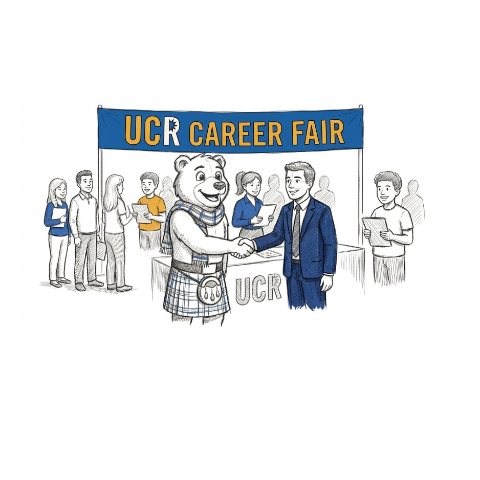
- Career fairs and events. Attend Career Center fairs, employer info sessions, and department talks, then follow up with people you meet.
- Professional associations. Join the main association in your field for conferences, mentoring, and job boards.
- UCR alumni. Use LinkedIn alumni search and your department’s alumni lists to find people who once sat where you are.
- Conferences. Present when you can, and use attendee lists to plan a few conversations in advance.
- Everyday conversations. Classmates, labmates, instructors, and past colleagues are already part of your network.
Build Your LinkedIn Profile
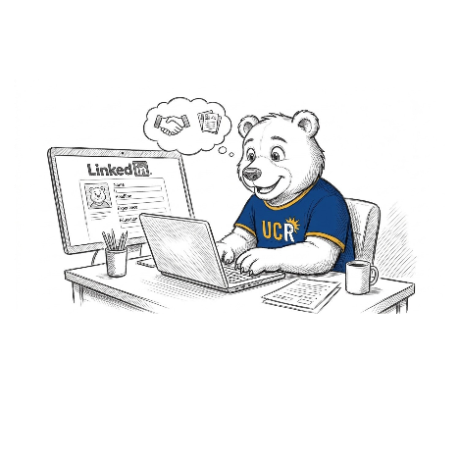
- Professional headshot or a clean self-portrait; a phone photo with good lighting works.
- Headline: who you are, what you do, and one keyword for what you want next.
- About: two to four short paragraphs covering who you are, what you work on, a highlight or two, and what you are open to.
- Experience: each role with two to four bullets; quantify when you can.
- Skills: pick about 10 and ask three colleagues to endorse them.
- Featured: pin your best work, such as a publication, a talk, or a project.
Choosing LinkedIn Skills
Your Skills section helps recruiters find you, so choose it deliberately.
- Add job-specific skills. Pull the hard and soft skills from the job descriptions you are targeting.
- Add transferable skills you can carry between roles, and be ready to explain how you would apply them.
- Skip skills you cannot back up. If a skill is core to the job, expect to be asked about it.
- Skip off-target or non-professional skills that pull attention toward roles you do not want.
- How to add them: Add profile section, then Core, then Add skills; list your top skills and ask a few colleagues to endorse them.
Further reading: How to Use LinkedIn (Forage).
Use LinkedIn Weekly
- 10 minutes once a week: check your network, send one note, and comment thoughtfully on one post.
- Once a month: write a short post about something you learned or built.
- Once a quarter: clean up your profile and check that your headline still reflects what you want.
Watch: Networking & LinkedIn
Canvas/eLearn access
Join the Graduate Career Resources community course on Canvas/eLearn to access information from this site all in one place.
Talk to someone
Book a 1:1 with the Graduate Student Career Specialist, Dr. Vanessa Lee. Most questions answered in one session.
Book via HandshakeQuick contacts
Dr. Vanessa Lee · Book via Handshake
Dr. Monique Posadas
gsacareercenter@ucr.edu
(951) 827-3631